Work schedules
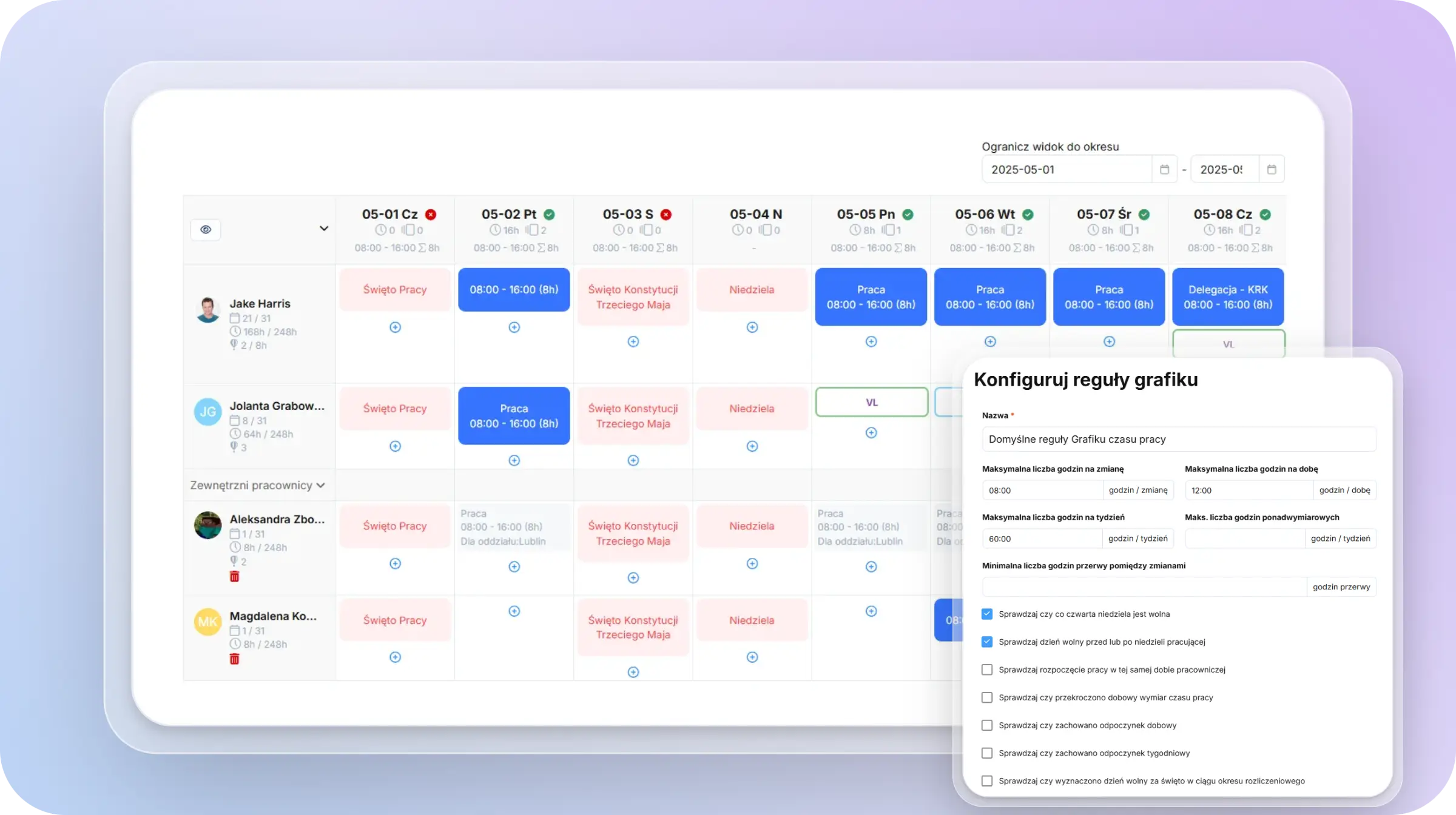
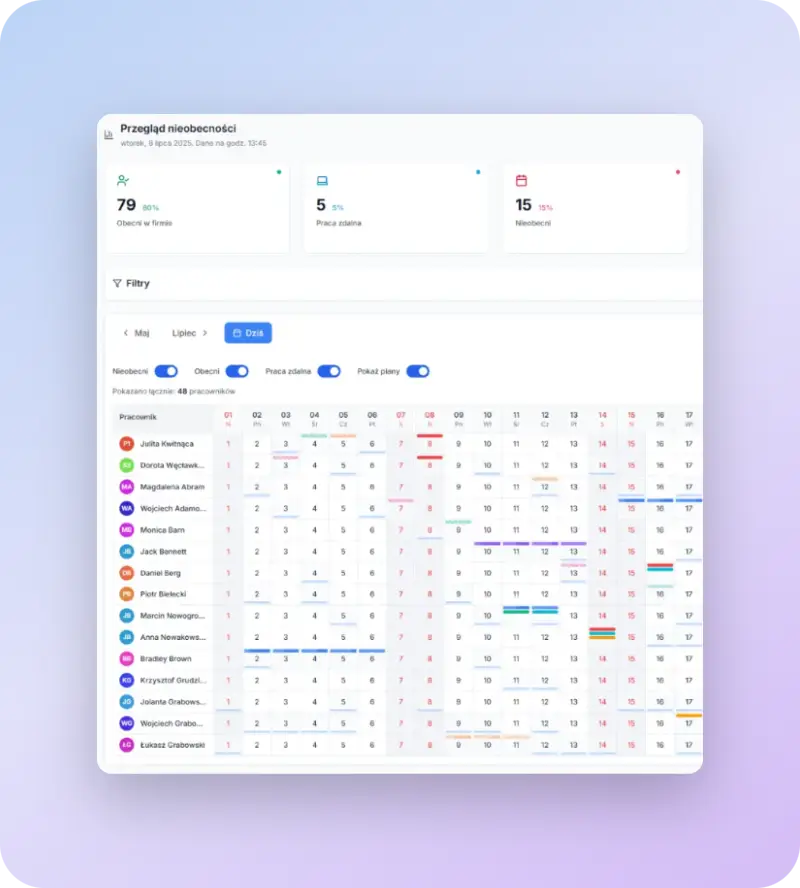
Plan shifts and on-call duty around absences, skills and working-time rules — in a view the whole team understands.
- Shift and on-call planning
- Automatic working-time checks
- Publish schedules to employees
Online time & attendance tracking software: hours, overtime, leave and reports fully compliant with labour law.

Replace paper attendance sheets with a modern online time & attendance (clock-in/clock-out) app.


* available as part of the "Shift Planner" module


* available as part of the "Time Off" module

Sync employee data with Symfonia, Enova365, IFS or SAP – tomHRM automatically pulls the latest information. Connect Azure AD or Google, and changes show up in real time.
Work the way you like:
Set it up once and it runs itself – your HR team can focus on what matters more.


Module pricing
~$1.99 / 1 user
The Time Tracking module is a complete toolset for managing working time, simplifying everyday HR processes and keeping you compliant with labour law.
The system is made up of several connected features you can use together or pick only what you need.
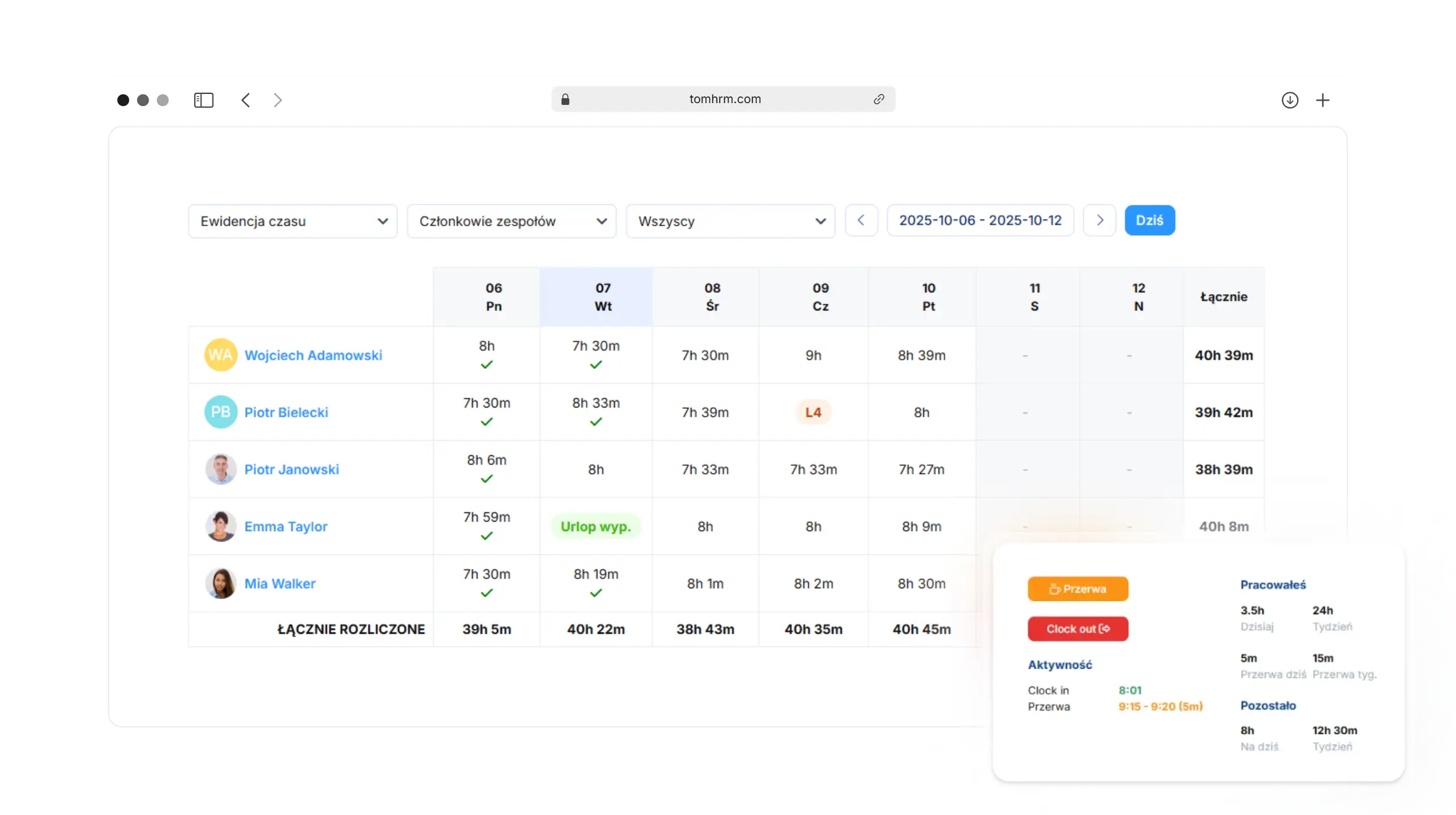
Employee clock-in / clock-out
Employees log the start and end of work, plus breaks, with a single click. The system automatically calculates hours worked, night work, and keeps an eye on rest periods.
It lets you record the actual number of hours worked, as required by the Labour Code and checked during Labour Inspectorate audits. It also tracks night work and rest periods, and can double as an attendance list.
Benefits:
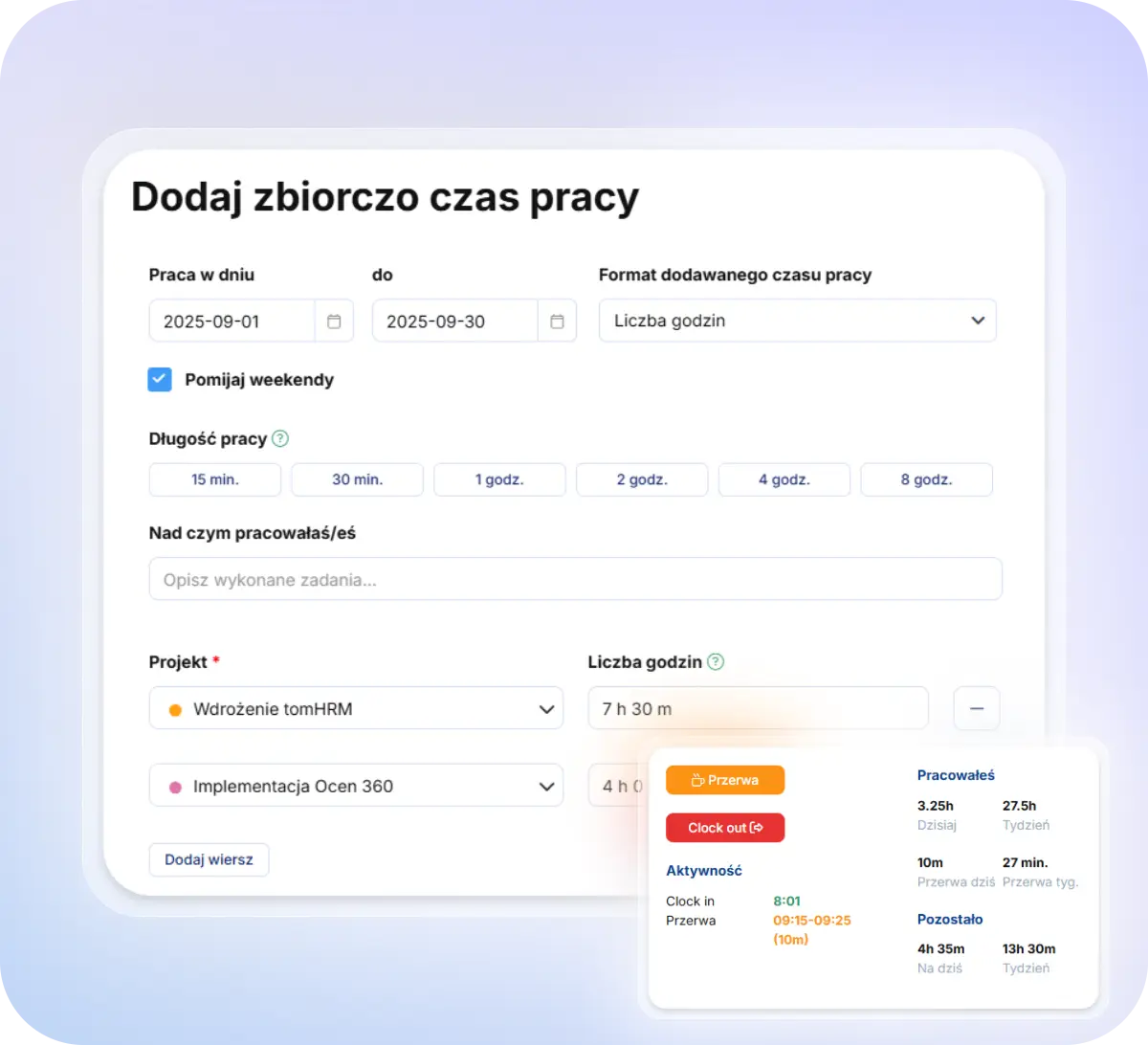
Time tracking on projects
Lets you create projects, task lists, set project budgets and settle them by assigning an hourly cost to employees and defining settlement rules.
Works well both for task-based working time (where the employer doesn't need to track daily hours) and for settling work under contracts or B2B collaboration.
Benefits:
Overtime
Lets employees submit overtime requests, have them approved (in line with the Labour Code) and settle worked overtime.
Benefits:
If you also need to schedule work, the module is complemented by
Shift Planner (a paid add-on) which automates schedule creation. It's a separate module, but it requires the Time Tracking module.
The app stores information about:
Time records should be kept for every employee and include the key information:
tomHRM's Time Tracking module covers all of this out of the box.
The system automates as much of the time-tracking process as possible, eliminating routine tasks and minimising the risk of errors.
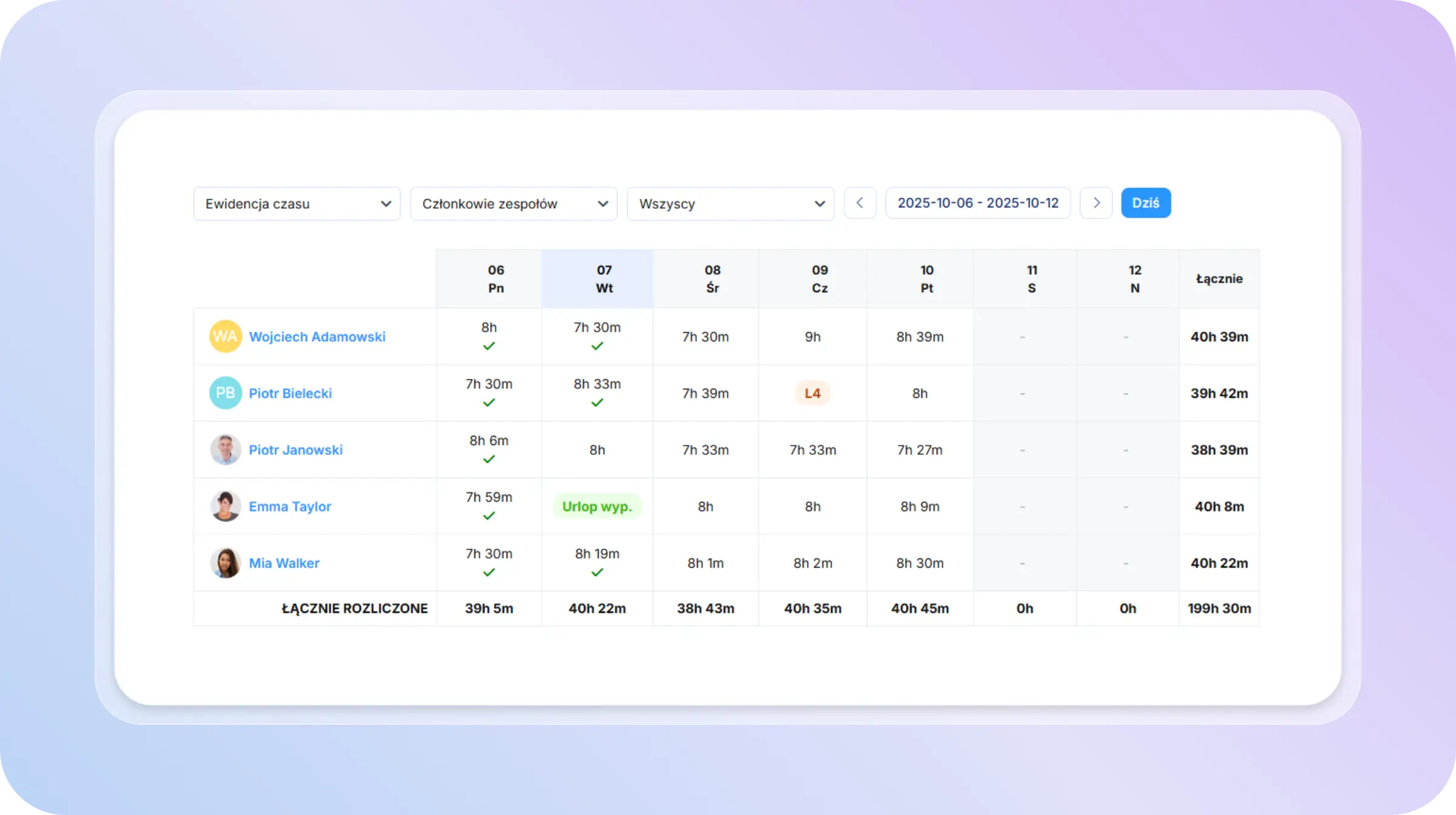
Automatic comparison of hours worked against the required working-time norm:
Automatic project settlement by rate, calculating project costs based on:
Automatic assignment of employees to projects whenever the structure changes or new employees join a project.
Automatic overtime management:
Automated reporting
The system automatically generates and sends reports on set days of the month to chosen recipients.
Automation via API
ROI of automating time tracking with tomHRM
Yes, keeping time records online in tomHRM is fully compliant with the Labour Code.
The Labour Code (Article 149 § 1) doesn't specify the format of time records – they can be paper-based or electronic. What matters is that the records meet the required standards.
Legal requirements an electronic system must meet
Why an electronic solution is even recommended:
Yes, employees clock in/out online using a button in the app.
The start of work can be automatically recorded:
Data is kept for the entire subscription period. Archived records of employees who no longer work for you are stored free of charge.
If you end your subscription, you can still export your data for up to 6 months afterwards.
Yes, employees can view their own time records. They can check both actual time worked (clock-in/out report) and project activity reports (time worked per project).
If the company uses the overtime section, employees can see hours worked and how many hours are still to be settled.
If the company uses the work-schedule module, employees can view their shift schedules.
Yes, in tomHRM you can log overtime, settle it, and — with the Time Off module — manage time off in lieu of overtime.
Overtime is logged through requests submitted by employees, which can go through any configurable approval path.
This lets you match the system's settings to your company's overtime policy.
The system automatically ensures that:
Yes, automatically, based on the night hours configured in the system. Individual configuration of night hours lets you match the system to your company's needs and defined night-shift hours.
A report showing the number of night hours an employee worked is visible in the Timesheet Card report.
Yes, hours can be logged online — all you need is to log into the system. It's a convenient solution that doesn't require cards, QR codes, or any extra hardware.
The system also lets you track time spent on specific projects and settle night work and overtime, comparing actual time worked against the working-time norm.
It's fully flexible and lets you configure individual working hours per employee and different time-logging rules for different employee groups (e.g. different rules for different departments or branches).
Yes, tomHRM fully accounts for breaks when tracking time.
The system offers a dedicated mechanism for logging breaks via Clock-in / Break / Clock-out buttons. Employees can:
After integrating tomHRM with Slack, a break can also be started using a Slack command.
Yes, tomHRM works great for tracking time under contract-based work (umowa zlecenie). In the project management section, the system offers complete tools that meet legal requirements while making it easier to manage collaboration with contractors.
In tomHRM you can create a project for each contract or contractor, set cost rates (e.g. hourly pay for a contractor), and log time worked.
This structure gives you full visibility into what a contractor worked on and how much time they spent on each part of the contract.
The extensive reporting system gives you full control over working time at every level of the organisation.
Time Tracking reports, which let you generate project time reports (a project time stopwatch).
Employee hours summary (Clock in/out report)
Employee's monthly time record — the so-called Timesheet Card.
Overtime reports:
tomHRM's time tracking fully meets legal requirements and is sufficient for a National Labour Inspectorate (PIP) audit.
tomHRM covers every obligation under Article 149 §1 of the Labour Code, which requires employers to keep time records to correctly determine pay and other work-related benefits.
You can integrate with tomHRM in several ways:
Didn't find your answer?
Book a meetingCombine tomHRM modules into a single HR platform and work on consistent data without re-entering information between systems.

Plan shifts and on-call duty around absences, skills and working-time rules — in a view the whole team understands.

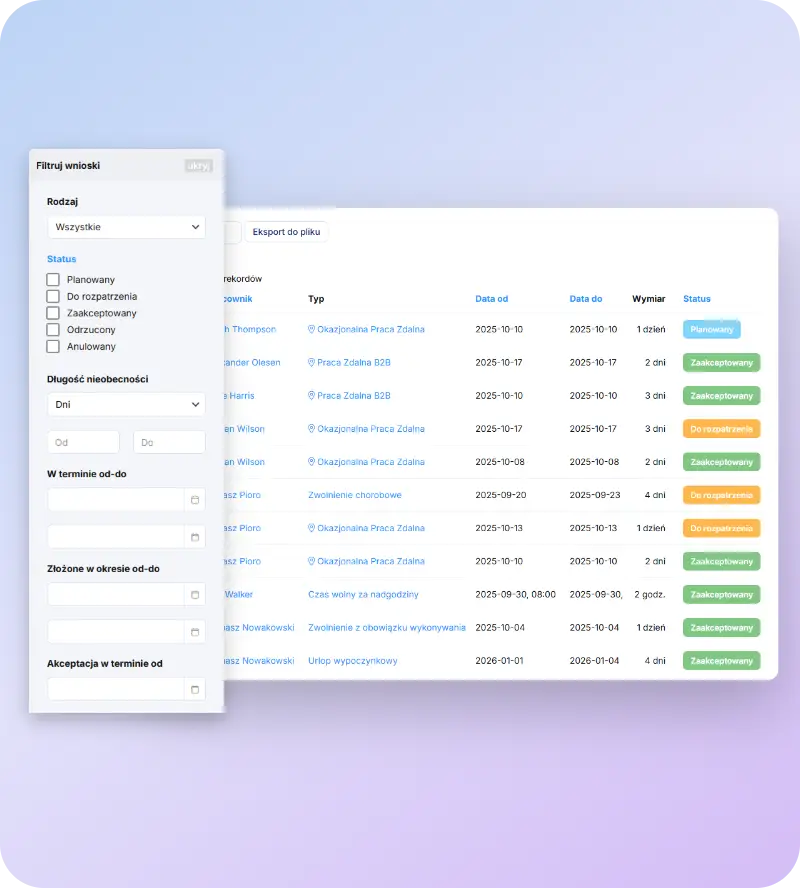
Manage absences across the whole company in one place — from request to approval, balances and compliant reporting.

Assign working time and costs to projects, track profitability and bill clients based on real data.
Browse the latest features and improvements in the app.
Visit tomHRM Updates