
Employee requests
Bring every company request into one workflow: custom forms, multi-step approval and a full decision history.
- Custom request forms
- Multi-step approval
- Decision history and archive
Free your team from paperwork and let them focus on growing the business. Electronic registration, multi-step approvals, cost centres and export to your accounting system.

28%
lower document processing costs
93%
faster document processing
0
lost invoices from B2B contractors
Finance, accounting, department managers and B2B contractors — everyone benefits from a digital cost document workflow.
From registration and coding, through approval paths, to reports and the invoice archive.
Registration

Configuration

Approval

Processing

Reports

Define approval paths that match your org structure, with branching based on invoice amount.
Full support for invoices in different currencies, with automatic exchange-rate lookups.
Automatically catch attempts to add an invoice with the same number from the same contractor.
Flexibly split costs across departments, groups, cost types and cost centres (MPK).
A complete contractor management module with search and duplicate control.
Check contractors against the VAT payer whitelist directly from the invoice list.
Export invoice registers to XLS in a general format or one dedicated to Navision.
A recurring invoice checklist flags missing invoices for a given period.
AI-assisted OCR technology automatically reads data from invoices.
30-day free trial. Register, approve and settle invoices without paper.
Module pricing
~$8.99 / 1 user
tomHRM is a complete toolkit that streamlines and automates your cost invoice workflow. Connected with the rest of the HR platform, it lets you manage invoices from B2B contractors alongside other company costs (subscriptions, tool fees, and more) in one place.
Time savings and process automation
The system removes manual document handling thanks to automatic approval paths — invoices reach the right people based on rules you define. Email notifications speed up the workflow, and the recurring-invoice checklist keeps an eye on due dates for regular commitments. That typically means up to a 70% cut in the time spent handling a single invoice.
Full financial control
Duplicate detection protects you from double payments, and payment-due reminders remove the risk of late fees. Flexible cost splitting across cost centres (MPK) and projects gives you a clear view of profitability across every part of the business. The system keeps a full change history for every document, so you're always audit-ready.
Better collaboration and transparency
A central contractor database, the ability to add comments and attachments, and clear statuses mean everyone on the team knows exactly where each invoice stands. Data export to XLS and ERP integration (e.g. Navision) make cross-department collaboration easier.
Scalability and flexibility
Whatever your company size or process complexity, the system adapts to your needs — from simple paths for small teams to multi-level approval flows for enterprises. It's an investment that grows with your business, digitising your finance processes and freeing up time for strategic work.
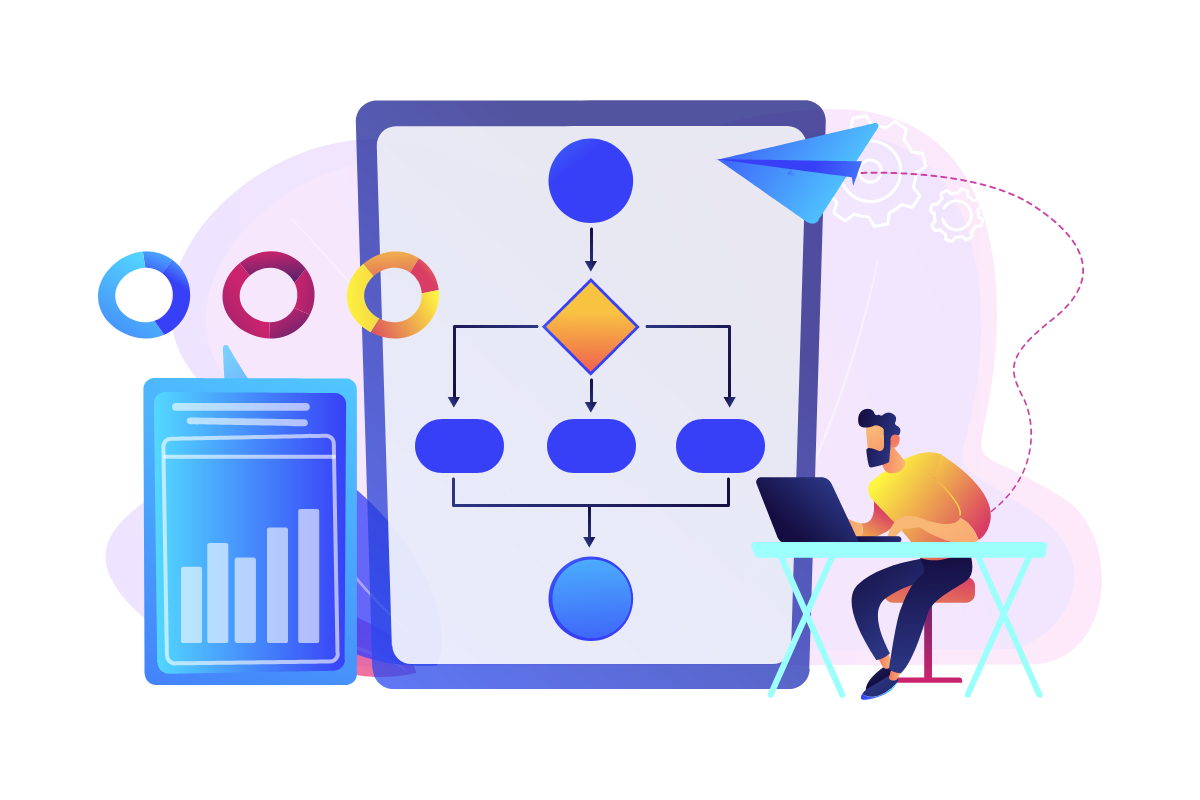
tomHRM's electronic cost invoice workflow module offers a complete solution for managing cost documents.
Key features include:
The system keeps a full change history for every document, sends automatic email notifications about invoices awaiting approval, and lets you add comments and attachments (scans).
The recurring-invoice checklist is especially valuable, keeping regular payments on schedule. Data export to XLS and one-click ZIP download of all attachments round out the toolkit. It's a solution that digitises the entire invoice lifecycle — from registration, through approval, to archiving.
Yes. tomHRM lets you build smart approval paths that route invoices automatically based on their value. You can create an unlimited number of paths and set amount thresholds — for example, invoices up to $1,000 go straight to accounting, invoices between $1,000-$5,000 need department manager approval, and anything above that also requires management sign-off.
The system automatically routes every invoice down the right path, speeding up low-value invoices while keeping proper oversight on larger expenses. That means better use of your team's time and full control over the budget.
Yes, you can configure the system to allow this.
tomHRM offers fully configurable approval paths that adapt to your organisation's structure. You can create an unlimited number of paths with any number of steps and assign different approvers at each stage.
The system intelligently routes invoices to the right people based on document value — low-value invoices can follow a simplified path, while larger amounts trigger extra approvals.
You can also enable line-item-level approval by cost centre (MPK), giving managers full control over their department's costs. The result: faster document flow, no bottlenecks, and full compliance with your purchasing policy.
tomHRM's cost invoice workflow fully supports multi-currency invoices. You can register documents in any currency, which is essential for companies working with international contractors. That gives you full control over international costs and accurate settlements without manual conversions.
Integration is in progress (August 2025).
tomHRM's cost invoice workflow automatically checks every incoming invoice, cross-referencing the invoice number with the contractor.
Thanks to smart duplicate detection, you get an instant alert if someone tries to add a document that already exists, eliminating the risk of double payments and accounting errors.
That saves your finance team time and guarantees accurate settlements.
tomHRM offers advanced cost allocation — you can split a single invoice across any number of departments, projects or cost centres (MPK).
The system also supports assigning cost groups and types, giving you full budget visibility and making it easy to analyse profitability across different parts of the business. Cost splitting works at both the whole-invoice level and the individual line-item level.
Yes, the system lets you verify contractors against the VAT payer whitelist directly from the invoice list, improving transaction security and tax compliance.
tomHRM offers versatile export options that make it easy to work with other systems and archive documents.
You can export a full invoice register to XLS, making analysis and reporting in Excel simple.
The system also offers a dedicated export format for Microsoft Dynamics NAV (Navision), removing the need to re-enter data manually into your ERP.
You can also download every attachment (invoice scans) in a single click, packaged as a ZIP file — perfect for archiving, audits, or handing documents over to an external accountant.
You can save multiple search templates too, so you can generate recurring reports instantly.
The system automatically tracks which invoices from ongoing contracts (rent, subscriptions, leasing) have already been registered for the current period, and which are still missing. You get a clear overview of every recurring commitment's status, removing the risk of a missed invoice, late fees, or a service interruption.
It's proactive payment management that saves your finance team time and protects your company's reputation as a reliable payer.
tomHRM was built for even the most complex organisational structures and approval processes. You can create an unlimited number of approval paths, each with any number of steps and different approvers at each stage.
You can set up automatic branching based on invoice value — different paths for different amount thresholds. The system also supports line-item-level approval by cost centre (MPK), so different managers can approve their share of costs within a single invoice.
Each path can have its own set of statuses matching your team's terminology. The system also sends automatic email notifications about invoices awaiting approval, speeding up your company's workflow. Whether your structure is linear, matrix, or project-based, tomHRM adapts to your process — not the other way around.
Yes, you can attach several files to a single invoice — for example a receipt or shipping documents.
Yes, the system lets you define custom status names and rules so the process matches exactly how your company manages invoices.
Yes, tomHRM offers smart automatic reminders for upcoming payments.
In the Cost Invoices module settings, you can turn on notifications and choose how many days in advance the system should send reminders. It's a proactive way to remove the risk of missed deadlines and ensure your obligations are paid on time.
How does the system help you stay on top of payment deadlines?
Automatic email alerts give your finance team advance notice, leaving time to prepare payments and protect cash flow.
The system tracks every deadline for you — no more manually scanning calendars or spreadsheets for upcoming payments. That means saved time, no late fees, and a reputation as a reliable business partner.
The Contractors module in tomHRM is a central database of all your suppliers and business partners.
You can instantly search contractors by name or tax ID, add new suppliers, edit details, and rely on automatic duplicate checks. The database is integrated with the invoice workflow, speeding up document entry — just pick a contractor from the list and their details are filled in automatically.
That means fewer errors, faster invoice registration, and better-organised supplier data.
OCR (optical character recognition) is technology that automatically reads and extracts text from scanned documents. With OCR, the system can automatically identify key invoice details — amounts, dates, tax IDs, contractor information — removing the need for employees to enter that data manually.
In development (2025).
Didn't find your answer?
Book a meetingCombine tomHRM modules into a single HR platform and work on consistent data without re-entering information between systems.

Bring every company request into one workflow: custom forms, multi-step approval and a full decision history.

Keep every contract in one register, with dates, annexes and reminders about renewals or terminations.

Assign working time and costs to projects, track profitability and bill clients based on real data.
Practical guides on rolling out an HR system, automation, and regulations.
Visit Aula HR